Games & Streaming
Disco in the Stream: How Your Chat Creates Full-Screen Effects with !disco
Simple Commands for Atmospheric Highlights in Your Show
2026-11-02
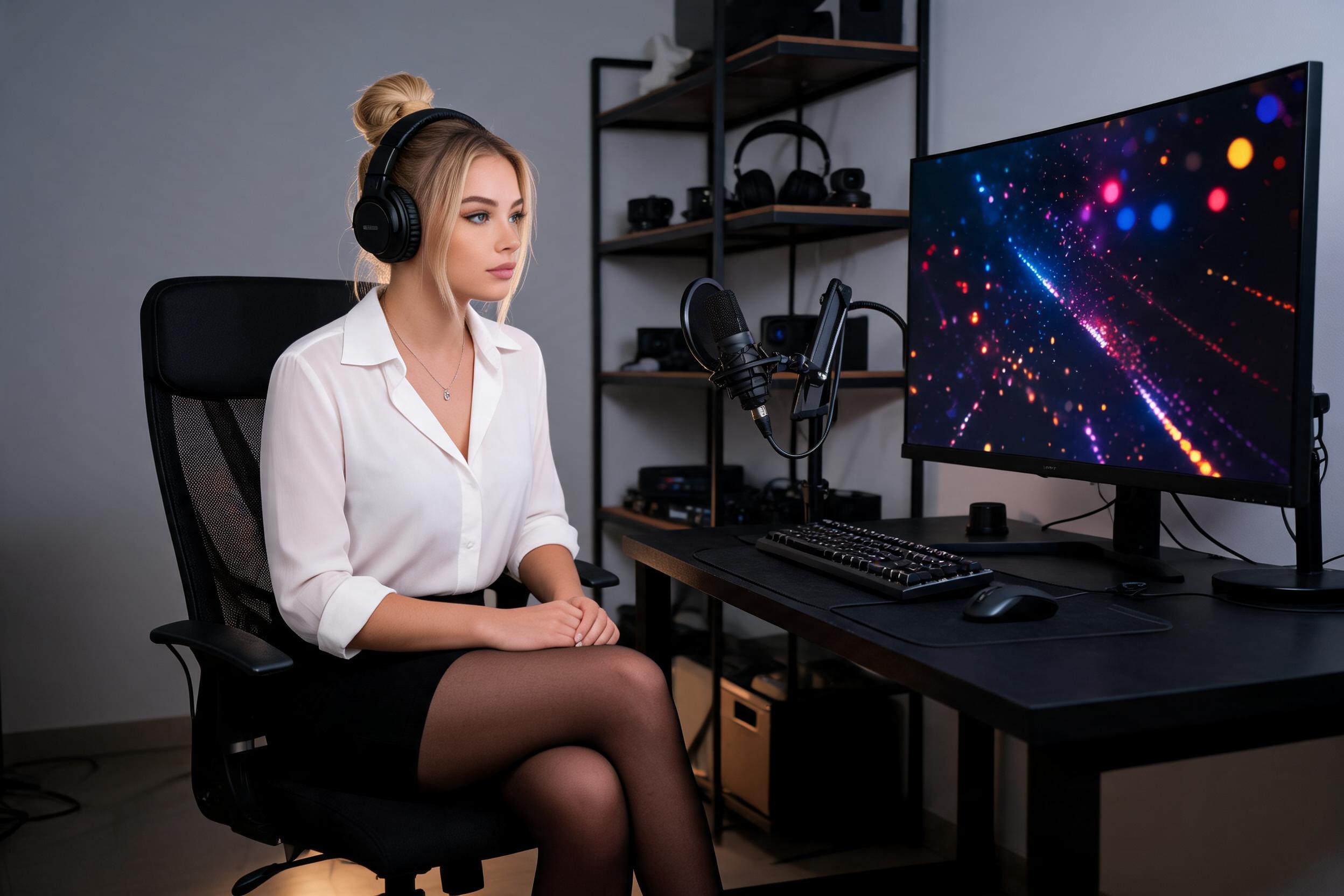
Imagine your chat transforming your stream into a pulsating disco or immersing it in mystical fog with a simple command. That's exactly what StreamerFun's Show Effects enable – directly in the OBS overlay. No complicated settings, no additional programs. Just activate the module, and your viewers can trigger immersive full-screen effects using commands like !disco, !fog, or !storm.
The principle is simple: Embed the overlay as a browser source in OBS and activate it with !showon. Then the fun begins: Each chat command triggers a different effect. Disco brings dancing lights, Fog creates dense mist, Dream conjures gentle floating particles, Storm simulates thunderstorms, Fire flickering flames, and Freeze icy crystals. Each effect automatically fades after a short time or can be manually ended.
Why does this elevate your stream? These effects create shared moments. When a viewer types !disco and the entire screen pulses rhythmically, it instantly sets the mood. You can deploy them strategically: !storm for dramatic gameplay scenes, !fire for epic victories, or !fog for creepy horror moments. Best of all: Your community becomes the production team – they decide live which atmosphere fits when. This creates not just visual wow-factor but genuine camaraderie.
And no worries about chaos: Cooldowns prevent spam, and you retain full control via the dashboard. Perfect for visually enhancing your stream without extra effort and making it more interactive. Try it out – when your next highlight moment is underscored with !dream, you'll thank yourself.