Games & Streaming
Control Center in the Stream: How to Control Chat Commands from the Dashboard
StreamerFun Makes Remote Control of Your Live Modules Child's Play
2026-10-20
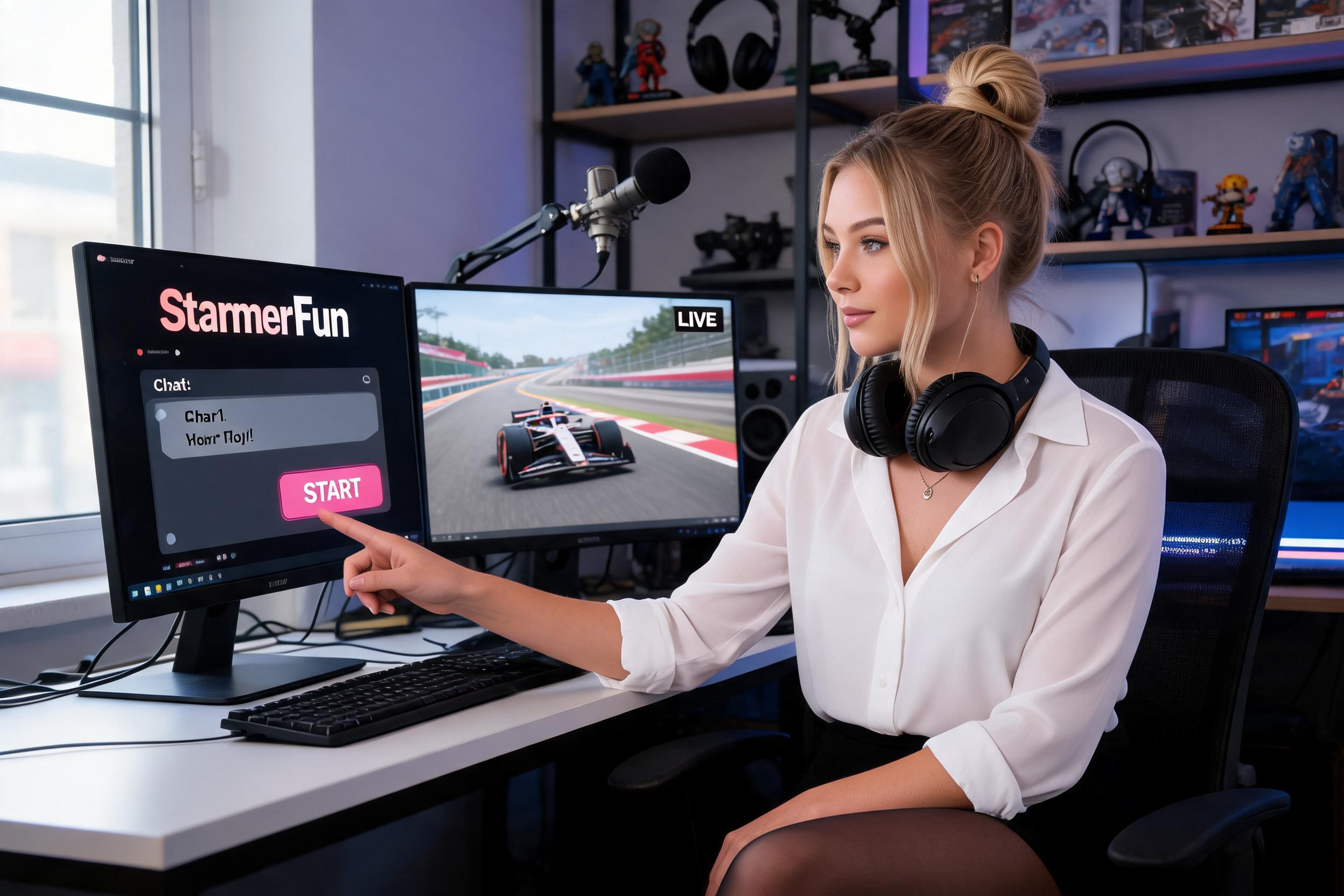
Imagine you're streaming live and want to spontaneously start an interactive game – but without constantly jumping between OBS and chat. That's exactly where StreamerFun's clever dashboard remote control comes in. The system turns your Twitch chat into a remote control that you as the streamer or your mods can operate directly from the control center.
How does it work? After logging in, you activate modules like Flood Battle, soundboards, or virtual gold stars in the clear dashboard. Once they're armed, a simple chat command – whether from yourself or trusted moderators – is enough to start races, trigger cheer sounds, or distribute rewards. The highlight: You always retain control over which actions are executed when, while your community actively participates.
This not only saves valuable time during the stream but also creates smooth transitions. Example: Your viewers demand a duel? A short command like '!startFlood' in the chat immediately initiates the battle without you having to leave OBS or manually flip switches. At the same time, everything runs through a single browser source in OBS – whether you're using racing games, polls, or special effects.
Especially practical for spontaneous interactions: You can still control modules even when you're engrossed in a game. Just keep an eye on the chat, enter commands – and your stream becomes more dynamic without technology getting in the way. This turns your control center into the heart of a lively show where you set the pace and the community dictates the rhythm.